Simple UPnP Server
Bring the media on your phone, USB storage and NAS together, and play it on every TV and player at home — a DLNA / UPnP media server and remote for Android.
Note: Currently in early release in select regions. The listing may not appear on Google Play in some countries.
Screenshots
News & Updates
- Version 2.1.1 Released
- Version 2.1.0 Released
- Version 2.0.1 Released
Overview
Simple UPnP Server gathers a media library scattered across your phone, a USB drive or SD card, and a NAS into one library, and plays it on the TVs, AV receivers, game consoles and players at home. Players discover it automatically as a DLNA / UPnP media server; with the Cast feature the phone is also the remote that sends playback to them. Everything except the player itself — the sources, the server and the controls — lives on your phone. All traffic stays on your local network — nothing is sent externally.
Features
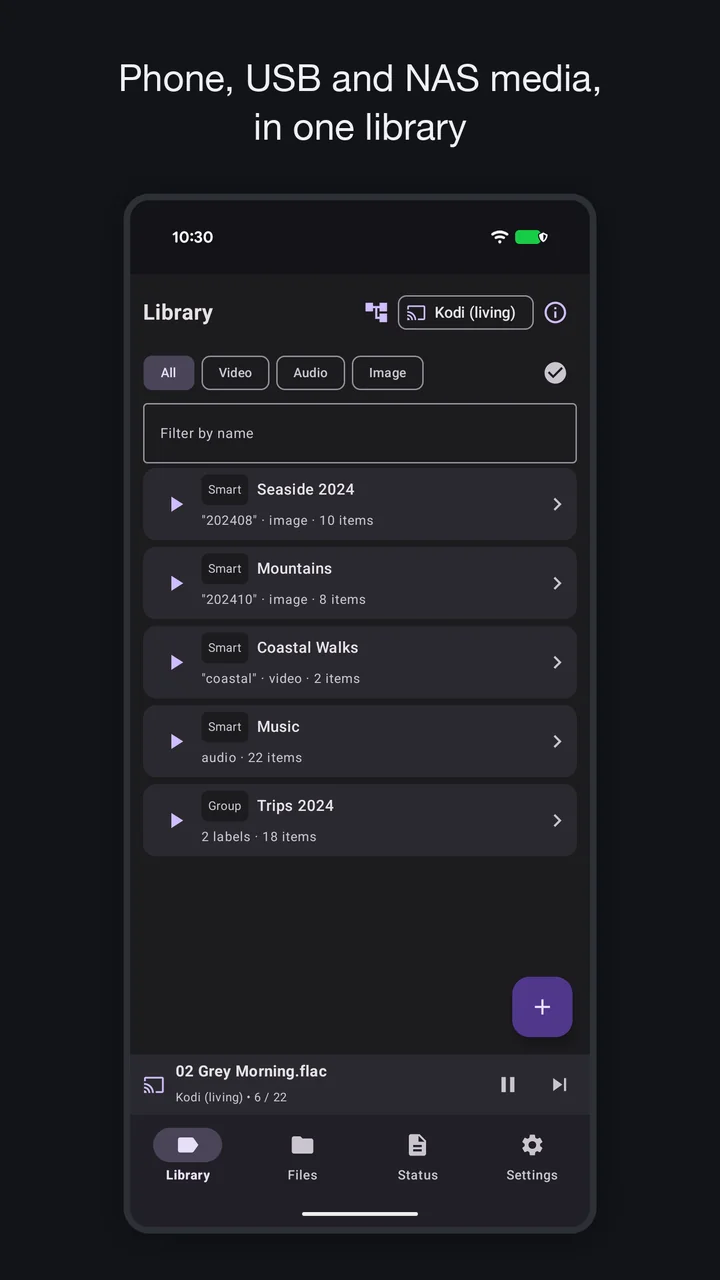
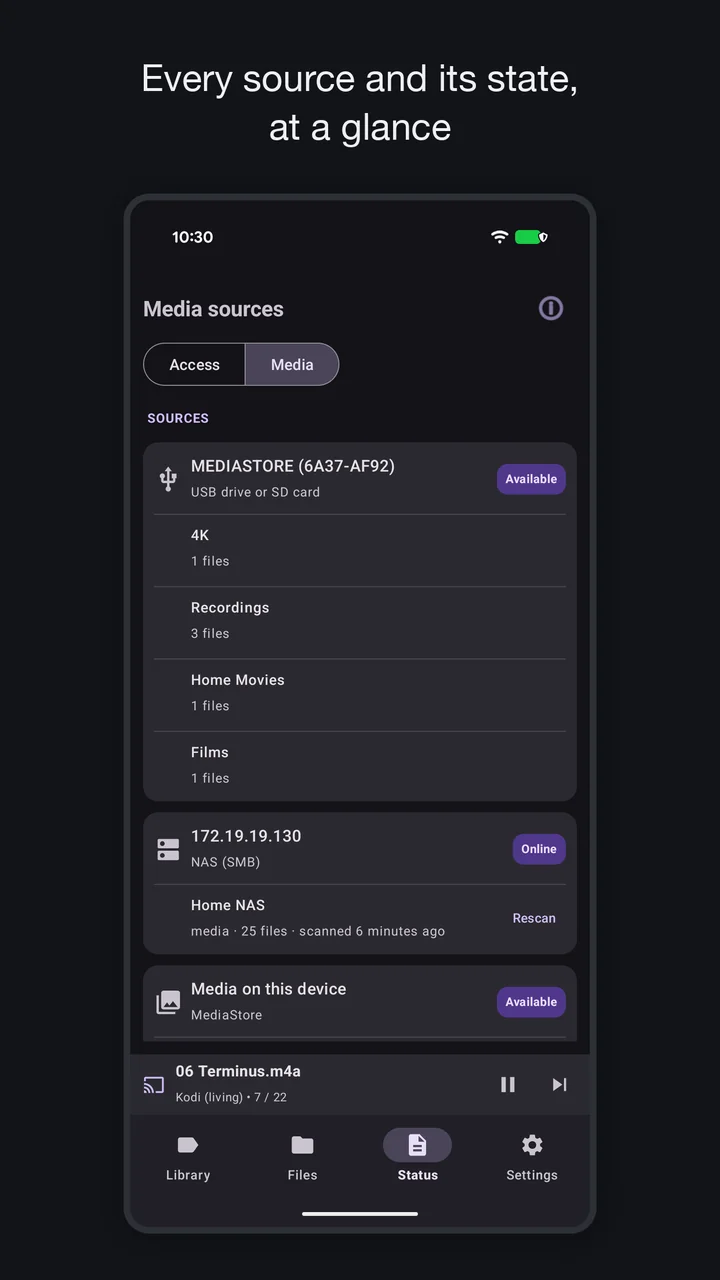
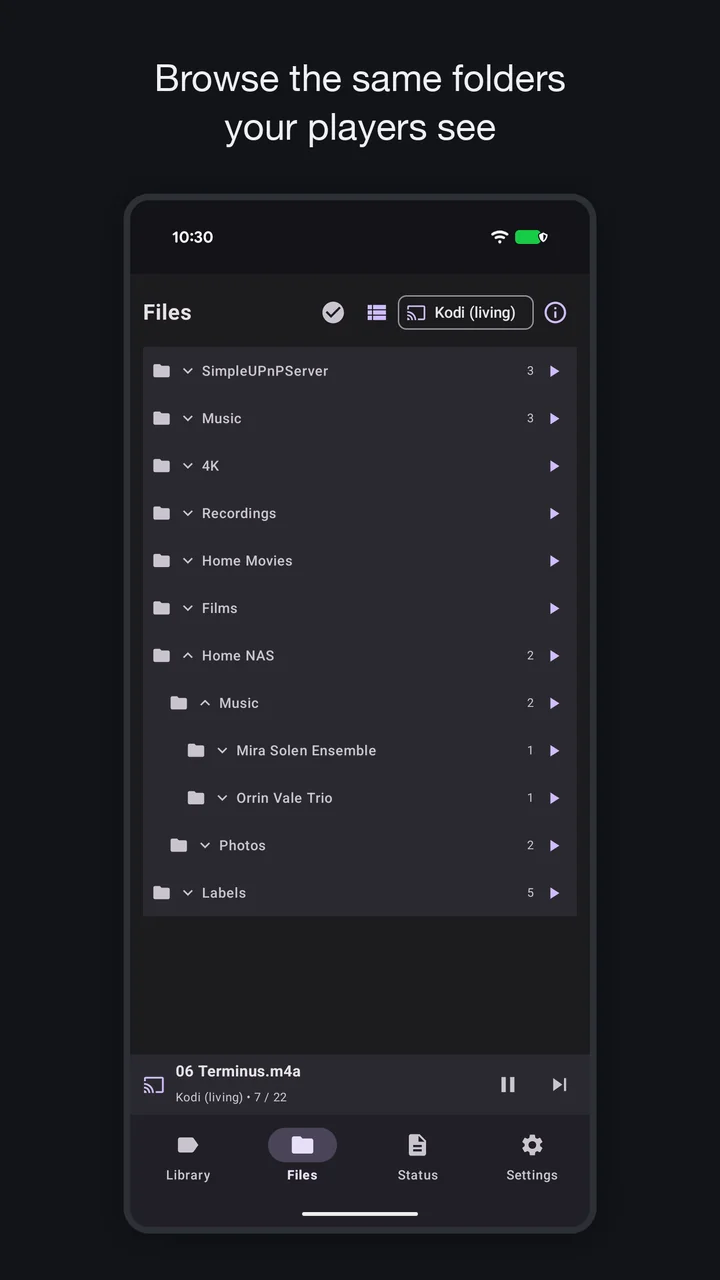
- One library from every source — Folders on the phone, a USB drive or SD card, the device’s media, and shares on a NAS or PC (SMB 2/3). The index is kept, so a large library is back almost at once after a restart, and a NAS’s files stay listed while it is off — they are read from the NAS only when played, seeking included. A NAS that has gone to sleep can be woken from the app (Wake-on-LAN)
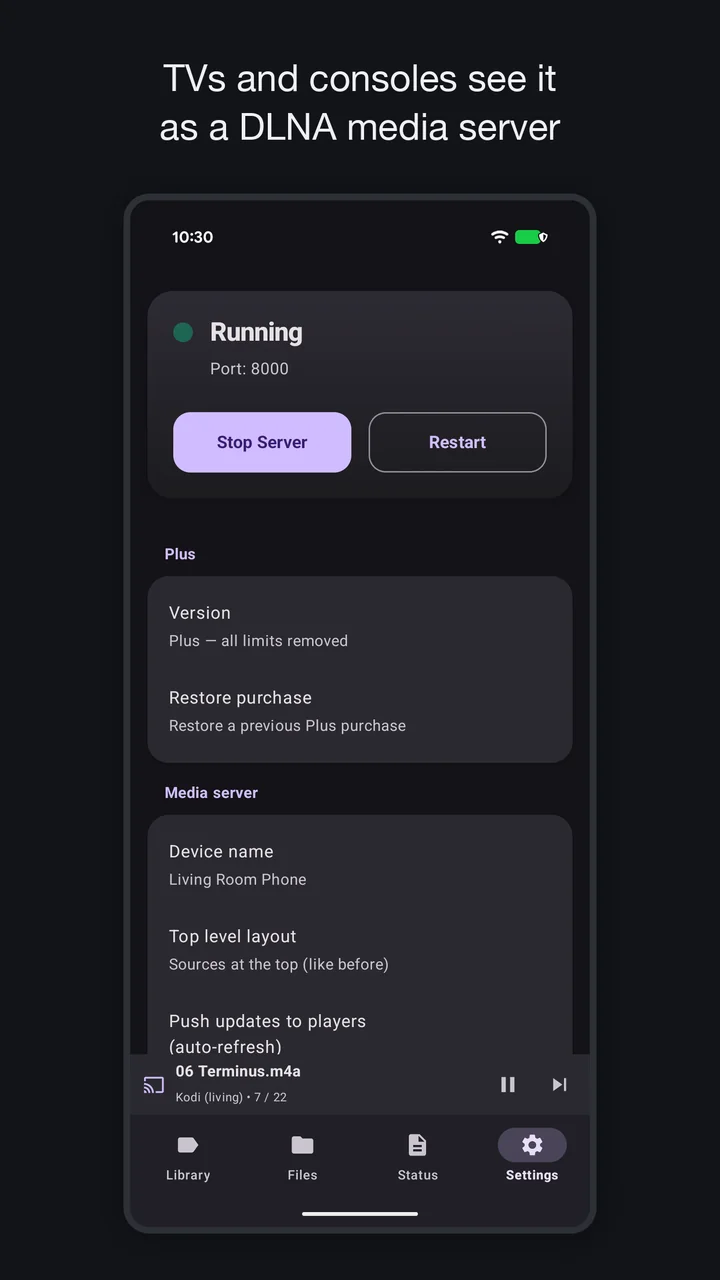
- DLNA media server (UPnP) — Discovered automatically by TVs, consoles and players like VLC / Kodi to play your shared folders and media (with seeking). External subtitles and album art / thumbnails are offered automatically
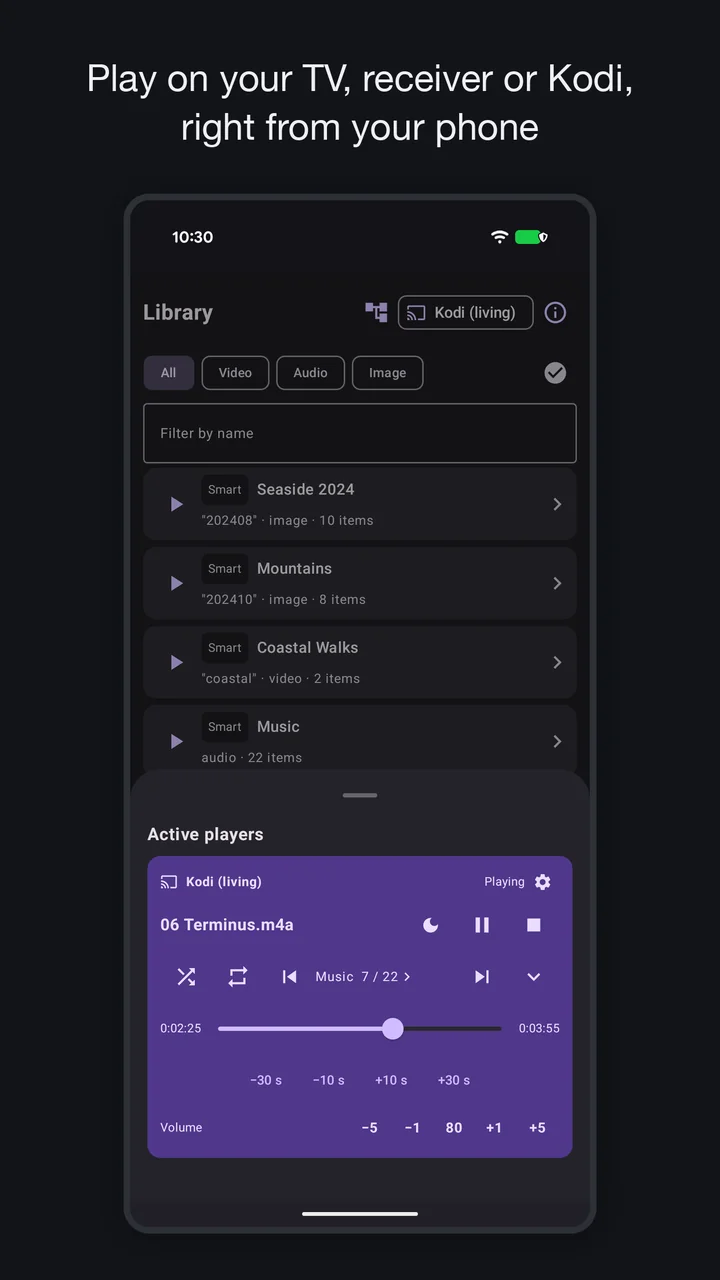
- Cast — Pick a player on your network (a DLNA TV, an AV receiver, Kodi, …) and play your shared files — or a label as a playlist — with play/pause, seek, volume and a media notification
- Music library — Browse audio by Album, Artist or Genre
- Labels (virtual folders) — Organise media with smart labels that match a search, or hand-picked manual labels; use
/in a name to nest them - Limit DLNA to chosen Wi-Fi — Enable DLNA only on the Wi-Fi networks you pick (e.g. at home); follows network changes automatically
- Status & diagnostics — See each source’s state (connected, indexed, last NAS scan) and what clients actually fetched, with resolution, codec and playback-compatibility hints
- Wi-Fi only (never exposed over mobile data) and auto-start on boot (optional)
- Quick Settings tile & automation — Start or stop the server with one tap from the Quick Settings panel; Tasker / MacroDroid and adb can control it too
- Material 3 design (light / dark / system). A one-time Plus purchase removes the free-version limits (the free version shares one source — a folder, a NAS share or the device’s media — with no file-count limit for the first 90 days after installation, then up to 1000 each of images, audio and video)
Requirements: Android 8.0 or later
FAQ
How do I play the videos on my Android phone on a TV?
Install Simple UPnP Server, add a folder with “Add folder…” in the settings (or turn on “Use MediaStore” to share everything Android manages), and start the server. A TV, game console or player on the same Wi-Fi finds it automatically as a DLNA / UPnP media server — open the TV’s media player or input list and pick it. No cable, cloud service or account is needed.
Which TVs and players does it work with?
Anything that plays from a DLNA / UPnP media server: smart TVs, AV receivers, game consoles such as PlayStation 4 and Xbox, and player apps such as VLC and Kodi. The PS5 has no built-in DLNA player, so it needs a third-party app.
Can I control playback from the phone, like a remote?
Yes. With the Cast feature you pick a player on your network — a DLNA TV, an AV receiver, Kodi — and play files or a whole label as a playlist, with play/pause, seek and volume from the phone, the lock screen and the notification. Cast-only devices such as older Chromecast models are not DLNA players and can’t be used; a Chromecast with Google TV or a Fire TV works once a receiver app such as Kodi is running on it.
My TV can't find the server. What should I check?
Make sure the phone and the TV are on the same Wi-Fi — the server runs on Wi-Fi only, not over tethering, wired LAN or mobile data. Some routers block device-to-device traffic (“AP isolation” or “privacy separator”); turn that off. If you limited the server to selected Wi-Fi networks, check that the current one is allowed. “Connection check” under Settings → About goes through these causes automatically.
Can it share a USB drive or an SD card?
Yes. Connect the storage, tap “Add folder…” and choose a folder on it in the system file picker. The folder structure is kept as it is.
Can it play the media on my NAS through a TV that can't reach the NAS itself?
Yes. Add the NAS share with “Add a NAS (SMB)” in the settings — host name or IP address, share name, and a user and password if the share needs them — and test the connection. The phone reads the share over SMB and serves it to your players, so a TV that only plays DLNA, or can’t reach the NAS on its own, plays it through the phone. The index is kept: the files stay listed while the NAS is off and are read from the NAS only when played. Servers that only speak SMB1 are not supported.
Is it free? Are there ads?
It is free to use and has no ads or trackers. The free version shares one source and, after the first 90 days, up to 1000 each of images, audio and video; a one-time Plus purchase removes these limits. Every feature, Cast included, is available in the free version.
Does it upload my media or send anything to the internet?
No. Everything stays on your local network: players fetch the files directly from the phone over Wi-Fi. The app collects nothing and needs no account.
Documents
Last updated: